

How to Access
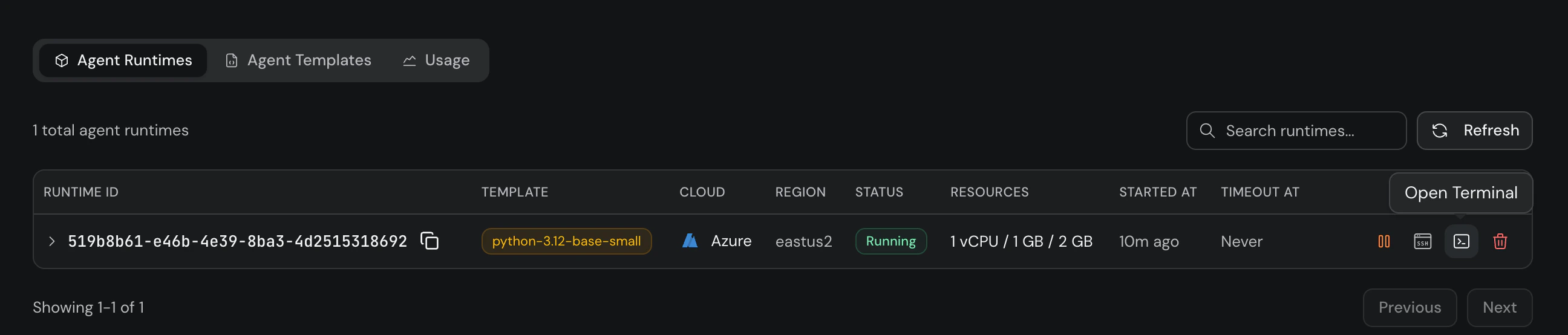
- Go to app.gravixlayer.ai and navigate to Agent Runtimes.
- Find your running runtime in the list.
- Click the terminal icon in the Actions column.
When to Use
- Quick debugging: Inspect logs, check running processes, or verify file state without setting up SSH.
- Prototyping: Test commands interactively before scripting them with
run_cmd. - Team access: Share platform access with teammates — no SSH key distribution needed.
The web terminal requires the runtime to be in Running status. If the runtime is stopped or terminated, start or create a new one first.